
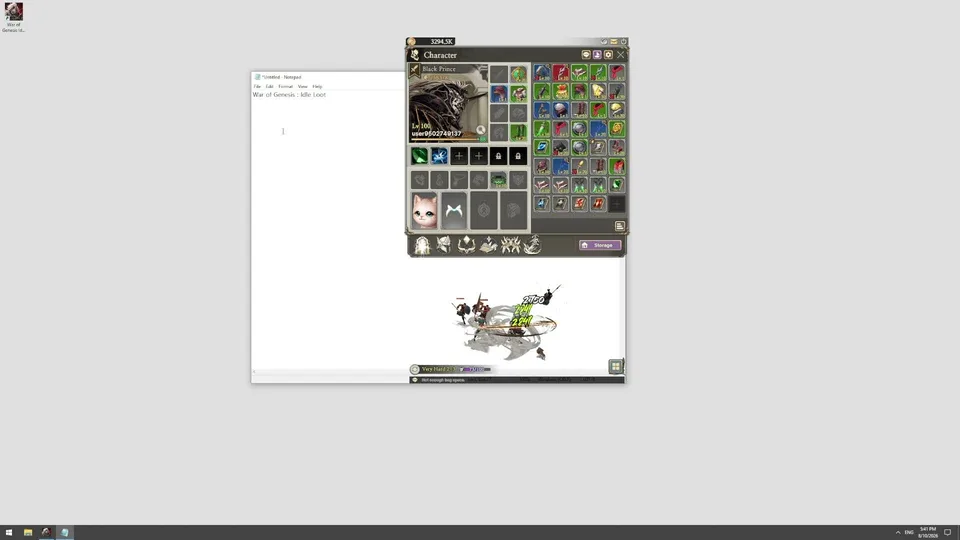
Free-to-play desktop idle RPG with tradable loot
War of Genesis Wiki
Watch your hero battle and collect loot in a transparent corner of your Windows desktop. Upgrade gear, build classes, tackle Alliance Raids, and trade eligible drops on the Steam Community Market.
- Early Access Sep 10, 2026
- Official Launch Oct 7, 2026
- 52,800 Peak CCU
- 3 Playable Classes
- 82 Steam Achievements
Popular Pages
Trending Now
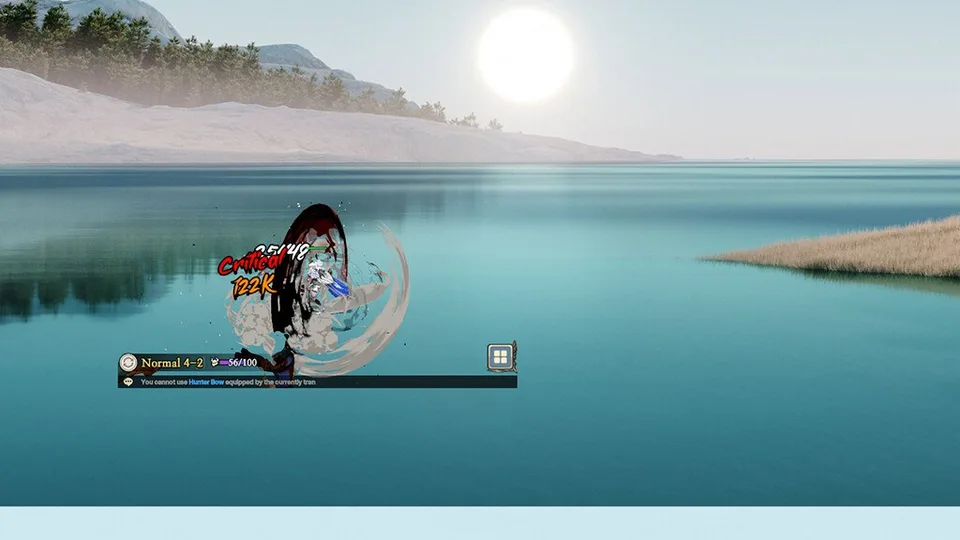
Main Guide
Master War of Genesis with our essential guide, covering character builds, auto-combine mechanics, and advanced progression tips for increasing your power.
Read more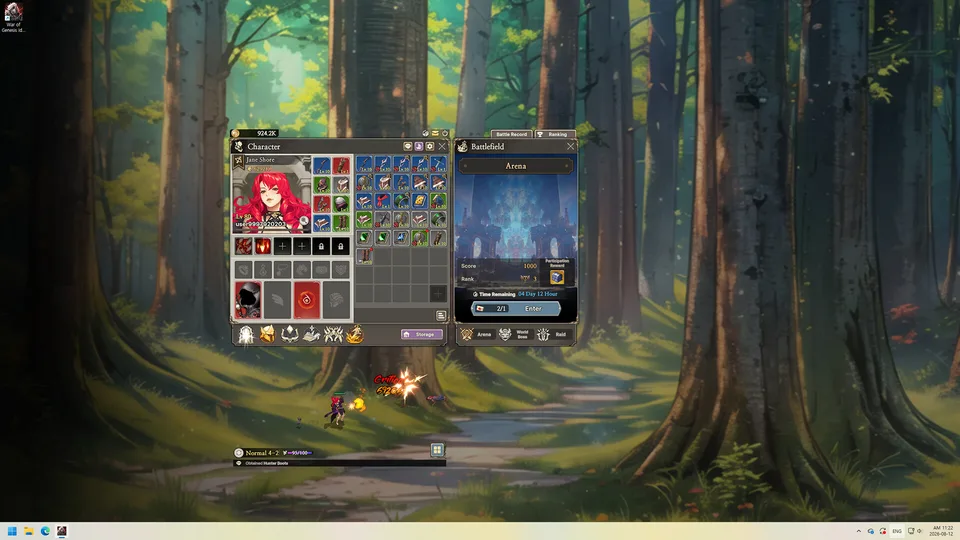
Advanced Guide
Master auto-farming, VIP token strategy, event challenges, and efficient resource management to progress faster in War of Genesis.
Read more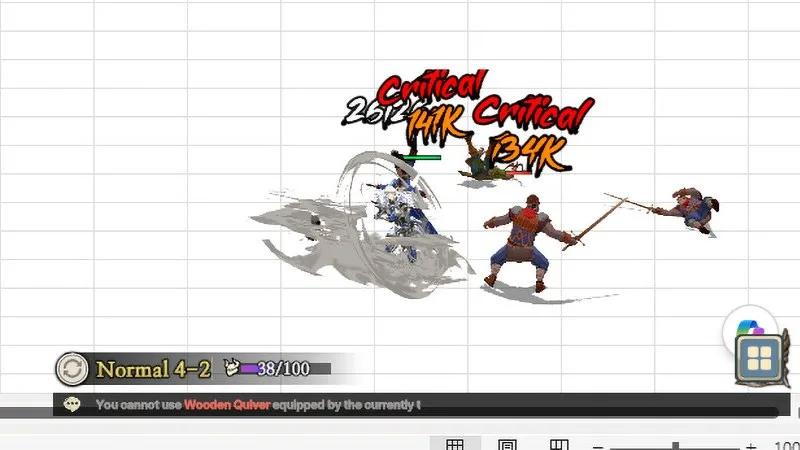
Combat Power
Learn expert tips for raising your combat power in War of Genesis, from equipment optimization to strategic ability setups.
Read more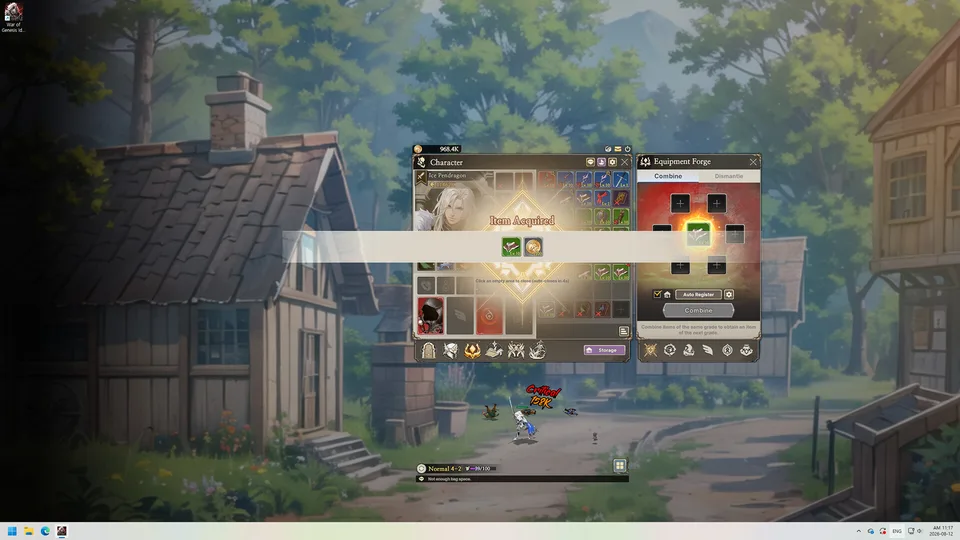
Fast Leveling
Learn how to level up faster in War of Genesis with expert tips on auto-combine, resistance management, and maximizing AFK farming efficiency.
Read more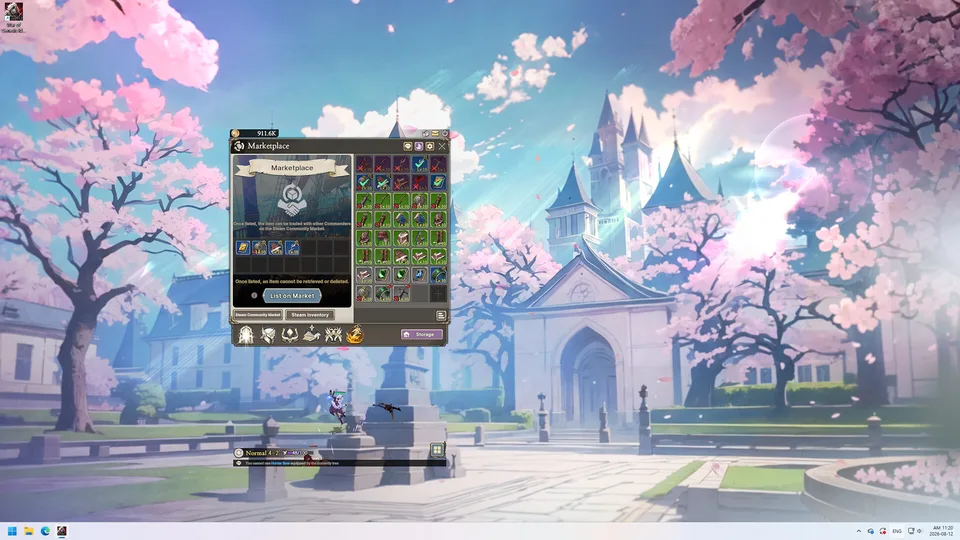
Beginner Mistakes
Stop stalling your account growth. Learn the essential beginner mistakes in War of Genesis, from resource management to efficient stage farming strategies.
Read more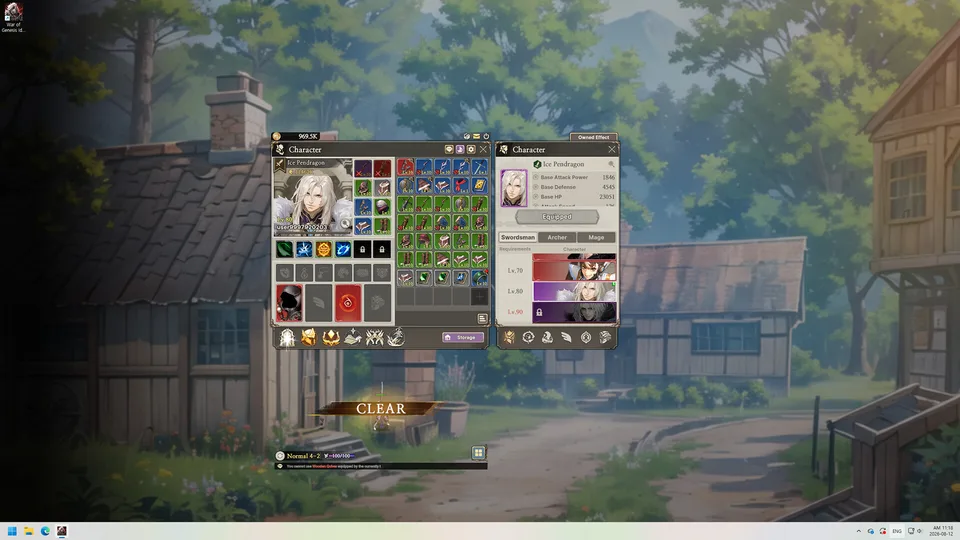
Change Class
Learn how to manage your roster in War of Genesis, with step-by-step guidance on character growth, class changes, and unlocking new combat roles.
Read more
What is War of Genesis?
War of Genesis: Idle Loot is a free-to-play idle-loot RPG developed by New Normal Soft Inc. for Windows PC through Steam. A 3D hero fights automatically in a small, transparent desktop overlay while you use your computer for other tasks.
Progression revolves around stage farming, equipment, gems, gear synthesis, and class builds. Players can also trade eligible drops on the Steam Community Market, join Alliance Raids, fight World Bosses, and compete in an online PvP Arena.
Explore All Guides
- Developer
- New Normal Soft Inc.
- Platform
- Steam · Windows PC
- Genre
- Desktop Idle Loot RPG
- Peak CCU
- 52,800
- Steam Reviews
- 1,741
- Achievements
- 82
- Playable Classes
- 3
- Platforms
- Windows PC
- Genres
- Desktop Idle Loot RPG
- Modes
- Single player, Multiplayer
- Release date
- 2026-10-07
- Developer
- New Normal Soft Inc.
Latest Updates
Start Here
- 1
Beginner Guide
Learn how to install the Windows Steam game, use its compact desktop battlefield, clear your first stages, and avoid wasting early upgrade resources.
- 2
Gear Farming & Synthesis
Understand equipment drops, inventory management, dismantling, and gear synthesis before deciding what to keep, combine, or sell.
- 3
Knight, Ranger & Wizard Classes
Compare the three playable classes, their gear needs, and progression systems without relying on an unverified universal tier list.
- 4
Steam Market Trading
Follow the in-game Marketplace workflow, identify eligible tradable loot, and learn what to check before listing valuable equipment.
War of Genesis Wiki Hub
Explore the wiki
Guides
Step-by-step War of Genesis guides covering progression, combat power, and efficient idle farming from day one.
Builds
Class builds for Knight, Ranger, and Wizard: stat priorities, skill choices, gear, and level-40 progression paths.
Combat
Combat mechanics explained: skill trees, runes, ability setups, raid bosses, World Boss rewards, and PvP Arena tickets.
Farming
Idle farming guides for gold bars, drop rates, equipment synthesis, pets, gems, and inventory management.
Market
Steam Community Market guides for War of Genesis: listing items, trading loot, earning Steam balance, and realistic expectations.
Platform
Windows PC setup, Steam troubleshooting, launch errors, update coverage, and player count context for War of Genesis.
Resources
Curated War of Genesis resources: databases, SteamDB, community hubs, and how to check information quality.
Codes
How to redeem War of Genesis codes, where official rewards are announced, and what to do while no active codes are verified.
War of Genesis Beginner Guide
Learn how to start War of Genesis: Idle Loot, choose your first class, and progress through automatic battles. This beginner guide covers desktop idle gameplay, stage selection, equipment drops, and the essential systems new players should understand.
Install and launch the free-to-play Windows version through Steam, App ID 4891320.
Install and launch the free-to-play Windows version through Steam, App ID 4891320.
Choose your starting class from Knight, Ranger, and Wizard, each with different combat skills.
Choose your starting class from Knight, Ranger, and Wizard, each with different combat skills.
Keep the transparent desktop game running while your character automatically fights enemies and collects loot.
Keep the transparent desktop game running while your character automatically fights enemies and collects loot.
Open Stage from the bottom menu to select an available area and adjust its difficulty.
Open Stage from the bottom menu to select an available area and adjust its difficulty.
Review collected weapons, armor, and gems to improve your character before tackling harder stages.
Review collected weapons, armor, and gems to improve your character before tackling harder stages.
War of Genesis Class Tier List
Compare Knight, Ranger, and Wizard to understand their combat strengths, skills, and potential roles in different game modes. Published class rankings disagree on the strongest option, so this comparison distinguishes confirmed mechanics from subjective tier-list opinions.
Knight
A melee-oriented class with defensive capabilities and area attacks. Destructoid placed Knight in S tier in its September 11, 2026 class ranking.
Wizard
A magic-focused class with elemental attacks. Published rankings emphasize its damage potential, while official patch notes identify skills including Ignite at level 45 and Mana Circulation at level 55.
Ranger
A ranged class with poison-related abilities. Official October 7 patch notes identify Precision Aim at level 45 and Special Bullets at level 65.
Rankings
Destructoid ranked Knight above Wizard and Ranger, while Sportskeeda ranked Wizard above Knight and Ranger. These are editorial assessments rather than an official class balance ranking.
War of Genesis Synthesis Guide
Learn how equipment synthesis, dismantling, and Auto-Combine work in War of Genesis. This guide explains the officially documented unlock requirements, Blacksmith categories, combination settings, and synthesis probability rules.
Reach User Level 17 to unlock the Auto-Combine function.
Reach User Level 17 to unlock the Auto-Combine function.
Open Inventory and select the Auto-Combine icon at the bottom of the inventory interface.
Open Inventory and select the Auto-Combine icon at the bottom of the inventory interface.
Configure Auto-Combine settings using equipment tier, equipment level, or identical-level conditions for Equipment and Accessories.
Configure Auto-Combine settings using equipment tier, equipment level, or identical-level conditions for Equipment and Accessories.
Visit the Blacksmith to access synthesis and dismantling categories, including Equipment, Accessories, Pets, Wings, Runes, Jewels, and Refinery.
Visit the Blacksmith to access synthesis and dismantling categories, including Equipment, Accessories, Pets, Wings, Runes, Jewels, and Refinery.
Check the displayed synthesis success rate before combining.
Check the displayed synthesis success rate before combining. The developer clarified that a synthesis success-rate increase is calculated as a percentage of the base success rate, not as a direct percentage-point addition.
War of Genesis Equipment and Relics
Explore the main equipment categories, loot progression, and relic enhancement materials. Learn how weapons, armor, accessories, pets, wings, runes, and equipment artifacts connect to character development.
Weapons
Weapons are among the equipment drops obtained from stage farming. Weapons and secondary weapons must be equipped appropriately when switching between character classes.
Armor
Armor is part of the game's stage-based equipment loot system and contributes to building your character's equipment setup.
Accessories
Accessories have their own Blacksmith category and can be processed through combination and dismantling systems.
Pets & Wings
Pets and Wings are equipment-related progression categories with Blacksmith processing options. Seasonal World Boss and Raid ranking rewards can also include Pets or Wings.
Relic Materials
Tier-specific Relic enhancement materials can be obtained by combining or dismantling Tier 3 Equipment, Accessories, Pets, Wings, and Runes.
Artifacts
The October 7, 2026 update introduced Equipment Artifacts, with one artifact added for each tier from Tier 3 through Tier 6.
War of Genesis Steam Market Guide
Understand how War of Genesis connects tradable loot to the Steam Community Market. This guide covers item trading, Marketplace delivery, Steam Wallet requirements, and the game's officially documented purchase troubleshooting steps.
Farm stages to obtain equipment and other loot, then identify which acquired items are eligible for Steam Community Market trading.
Farm stages to obtain equipment and other loot, then identify which acquired items are eligible for Steam Community Market trading.
Use the Steam Community Market to review eligible item listings and available trading opportunities.
Use the Steam Community Market to review eligible item listings and available trading opportunities.
Check item details and current listings before deciding whether to retain equipment for character progression or offer eligible items for sale.
Check item details and current listings before deciding whether to retain equipment for character progression or offer eligible items for sale.
For missing purchases, check the current Inventory and Mailbox delivery flow.
For missing purchases, check the current Inventory and Mailbox delivery flow. The older official FAQ documents Marketplace > Storage List > Claim followed by collection from the Mailbox; subsequent updates announced delivery changes.
If an in-game Shop purchase using Steam Wallet funds fails, verify that Enable the Steam Overlay while in-game is activated under the game's Steam Library properties.
If an in-game Shop purchase using Steam Wallet funds fails, verify that Enable the Steam Overlay while in-game is activated under the game's Steam Library properties.
War of Genesis Farming and Stages Guide
Learn how stage selection, difficulty settings, and automatic combat work together in the game's loot-farming loop. This guide focuses on the documented stage controls and equipment rewards without inventing unsupported best-stage rankings or drop rates.
Open the Stage menu at the bottom of the main game interface.
Open the Stage menu at the bottom of the main game interface.
Use the difficulty drop-down at the bottom of the Stage screen to choose an available difficulty.
Use the difficulty drop-down at the bottom of the Stage screen to choose an available difficulty.
Select an available area from the Stage interface to enter that farming area.
Select an available area from the Stage interface to enter that farming area.
Allow the desktop character to battle enemies automatically and collect loot, including weapons, armor, and gems.
Allow the desktop character to battle enemies automatically and collect loot, including weapons, armor, and gems.
Review collected equipment and character progression, then revisit the Stage menu when you are ready to change the farming area or difficulty.
Review collected equipment and character progression, then revisit the Stage menu when you are ready to change the farming area or difficulty.
War of Genesis Raids and World Bosses
Explore the multiplayer battlefield systems, including Alliance Raids, World Boss encounters, PvP Arena, and seasonal rewards. This guide explains official ranking calculations, Machina acquisition, and the Ether Shop location.
Alliance Raid
Players join Alliances to participate in cooperative raid battles. Alliance rankings are determined by combining the damage dealt by each Alliance's top 100 members.
World Boss
World Boss battles let players compete internationally. The mode operates seasonally and can award ranking rewards including Pets and Wings.
PvP Arena
The Arena provides player-versus-player competition and access to the Ether Shop through Battlefield > Arena > Ether Shop.
Machina
Machina can be obtained through Raid ranking rewards or purchased from the Arena Ether Shop. The official FAQ specifies a seven-day usability period after acquisition.
Raid Rewards
The October 7 update added Machina rewards for Raid alliance and alliance-member rankings, including rewards for members of alliances that did not finish first.
War of Genesis Skins and Artifacts
Discover the skins, equipment artifacts, and cosmetic progression features introduced in the October 7, 2026 update. This guide covers skin tiers, Fancy Skin Boxes, synthesis, Roulette, and the requirements for accessing the Skin system.
Unlock
The Skin system unlocks at User Level 20 and can be opened using the Skin button above the user level in the main character window.
Skin Tiers
The October 7 update added three Tier 4 skins, two Tier 5 skins, and one Tier 6 skin for each of the Knight, Ranger, and Wizard classes.
Fancy Skin Box
Fancy Skin Boxes are available from the Shop and can grant Tier 4 through Tier 6 skins according to their published probabilities.
Skin Synthesis
Duplicate skins can be used for Skin Synthesis. The system also grants Fragments of Mastery that can be spent on profile frames.
Roulette
Roulette offers Fancy Skin Boxes and Skin Box Exchange Stones, with a dedicated Roulette Shop for exchanging stones.
Tier 6 Skins
The new Tier 6 skins are limited-time offerings during 2026. Equipping one enables periodic exclusive cutscenes that can award Crystal of Mastery or Fragment of Mastery.
Artifacts
Equipment Artifacts were added for Tier 3, Tier 4, Tier 5, and Tier 6 as part of the same October 7 update.
War of Genesis FAQ
Verified answers for Windows Steam players learning idle farming, class progression, equipment trading, and current game updates.
Is War of Genesis: Idle Loot free to play on Steam?
Yes. War of Genesis: Idle Loot is free to download and play on Steam, but optional in-game purchases are available.
Can I play War of Genesis: Idle Loot on macOS or consoles?
The verified Steam release supports 64-bit Windows PCs. The official store lists Windows 10 as the minimum operating system; no release for macOS, PlayStation, Xbox, or Nintendo Switch has been confirmed for this Steam game.
How does desktop idle farming work in War of Genesis: Idle Loot?
The game displays a 3D hero on a transparent background in a small area of your desktop. The hero battles and collects gear automatically while the game is running, so you do not need to control every fight.
Can I sell War of Genesis: Idle Loot equipment on the Steam Community Market?
Yes. The Steam store confirms that acquired loot can be traded with other players through the Steam Community Market. Check the item's eligibility and current market conditions before listing; an item being listed does not guarantee a sale.
What classes are available in War of Genesis: Idle Loot?
The three named classes in the October 7, 2026 update are Knight, Ranger, and Wizard. Their builds and equipment requirements differ, so compare class mechanics rather than assuming one class is always strongest.
When do skins unlock in War of Genesis: Idle Loot?
According to the October 7, 2026 update, the Skin system unlocks at user level 20. The update introduced skins, Fancy Skin Boxes, Roulette, and skin synthesis; skin tiers and availability should be checked against the current client.
How are Alliance Raid rankings calculated in War of Genesis: Idle Loot?
The developer's September 2026 explanation says each Alliance is ranked by the combined Raid damage of its top 100 members, ordered from highest to lowest total damage.
When did War of Genesis: Idle Loot officially launch?
Early Access started on September 10, 2026. The developer confirmed that Early Access ended and the official launch took place with the October 7, 2026 update.
Is the 100-player Raid already available in War of Genesis: Idle Loot?
As of October 11, 2026, the 100-player Raid is a roadmap feature targeted for Q1 2027, not a confirmed live mode. The developer notes that roadmap dates and features may change.
What should I do if my equipment stats changed after the October 7 update?
The October 7, 2026 hotfix addressed an incorrect equipment level-requirement reduction stat display. The developer instructed affected players to reconnect and said incorrectly applied Gems of Luck would be reissued for re-equipping.
Ready to Master War of Genesis?
From your first idle farming run and gear synthesis choices to Alliance Raids and Steam Market listings, find practical guides for your next upgrade.