War of Genesis 18 New Skins: Roster Fact Check and Setup
Investigating the 18 new skins rumor in War of Genesis: learn how character identity cosmetics work, separate game versions, and fix Steam crashes.
Published: War of Genesis Wiki Editorial Team
Table of Contents
War of Genesis Skins: Clarifying the 18 New Skins Rumor
Player searches for "18 new skins" in War of Genesis have spiked following discussions around major milestone roadmaps and character releases. If you are searching for a bundle containing exactly 18 standalone skins, you are encountering a blend of community speculation and cross-title confusion. Multiple projects currently share the franchise banner, leading players to mix up character model updates, upcoming timeline remakes, and standalone platform releases.
The rumor of an 18-skin drop primarily originated from community summaries tracking milestone roadmaps leading up to franchise anniversaries. Developers have been introducing multi-era character designs that span The War of Genesis 2, The Rhapsody of the West Wind, and The War of Genesis 3. When content creators aggregated datamined model variations, alternate timeline costumes, and multi-identity variants planned through upcoming story chapters, the figure "18" circulated across forums as a single cosmetic pack.
In reality, character cosmetics in this universe are not rolled out as a unified 18-skin cash shop pack. Instead, they are staggered across narrative seasons, character pickup banners, and platform-specific feature updates. Furthermore, cosmetic systems differ fundamentally depending on whether you are playing the mobile narrative RPG or the automated idle version available on desktop platforms.
To understand what is available and how to unlock these cosmetics, you need to separate franchise lore skins from the feature set of the specific client you have installed.
Character Identity Skins and Cosmetic Systems in the Universe
Unlike standard hero collectors that release purely aesthetic seasonal costumes (such as summer or holiday outfits), cosmetic variants in the War of Genesis universe are deeply tied to narrative canon and timeline causality. The developers approach character skins as visual representations of a hero's shifting identity across different eras of the Antaria continent.
A prominent example of this design philosophy is the arrival of major figures like the Iron Mask, introduced as a top-tier Outer One entity. Because the character intervenes across multiple story arcs under distinct guises, cosmetic skins reflect his individual personas from past titles rather than generic texture recolors.
Outer One Banner Variants
Core character identity skins tied to major banner releases. These variants feature premium presentation, unique skill animations such as the Asura-Pacheonmu, and classic audio tracks voiced by original voice actors like Hong Si-ho.
Event Milestone Skins
Narrative event skins distributed for free during anniversary and seasonal celebrations. These versions often reflect modern narrative revisions (such as the Ark timeline in the Cosmos Saga) and showcase contemporary voice talent, including Kim Hye-sung.
Timeline Remake Costumes
Visual overhauls tied to historical narrative remakes, including The Rhapsody of the West Wind and upcoming Tempest chapters. These reflect character appearances prior to major timeline catastrophes.
The dual-casting approach implemented for characters like the Iron Mask directly influences how skins are treated. Players can acquire the classic hero persona through banner pickups, while alternative identity skins are offered via active participation in story events. This ensures that competitive and free-to-play participants alike can obtain distinct visual forms without being completely locked out by banner RNG.
When tracking down announced skins, community reports indicate that players should always check the event calendar inside their active game client rather than relying on unverified aggregate social media posts.
Separating the Steam Release from Franchise Mobile Projects
A significant cause of confusion surrounding skins and patch notes is the co-existence of two separate products under the War of Genesis intellectual property. Players frequently see developer interviews detailing 3D identity skins, narrative sagas, and voice casting, only to find an entirely different feature set when downloading the game via the Steam store.
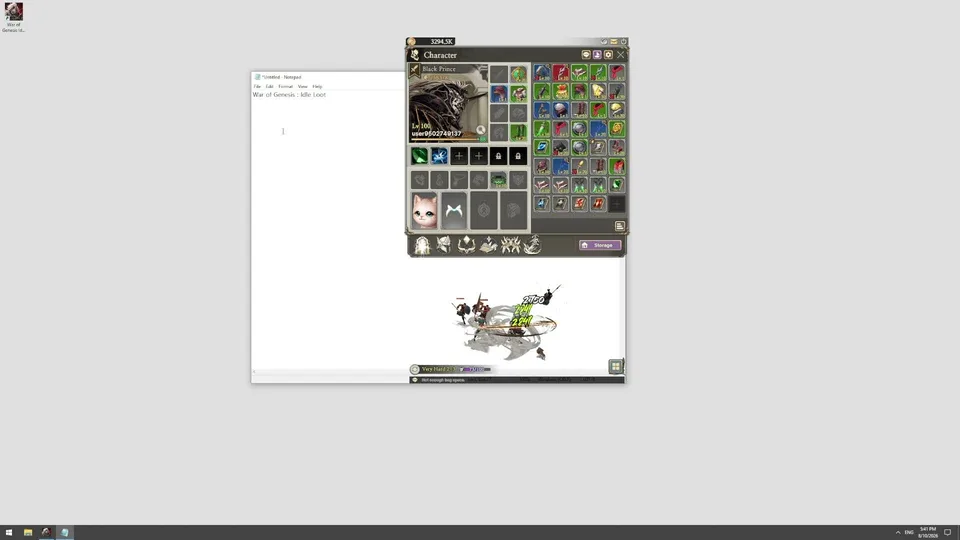
The desktop title available on Steam is War of Genesis: Idle Loot (Steam App ID: 4891320), developed by New Normal Soft Inc. This release focuses on streamlined idle progression, background equipment farming, and automated loot management. Conversely, large-scale story expansions, cinematic Outer One banner releases, and multi-costume character overhauls belong to The War of Genesis Mobile, developed by Meerkat Games and published by LINE Games.
While developers at Meerkat Games have expressed an interest in potentially packaging their narrative chapters onto Steam or consoles in the future, that remains a separate long-term initiative. If you are playing on PC via Steam, you are interacting with New Normal Soft's idle-focused experience. Expecting an 18-skin mobile gacha collection inside the Steam client will lead to frustration, as the two games operate on completely different roadmaps and economic models.
How to Fix War of Genesis Launch Crashes on Steam
Many PC players attempting to log into War of Genesis on Steam to verify newly advertised features or check their daily rewards run into an immediate obstacle: startup crashes. Players frequently report that the client terminates instantly upon launch or freezes during the initial loading screen.
These stability issues on the desktop client stem from graphics API negotiation conflicts and missing shared Visual C++ libraries. If your game fails to launch or crashes during loot cycles, follow this verified community procedure to resolve the problem.
Force the DirectX 11 Launch Parameter: Open your Steam Library, right-click the game, and select Properties. In the General tab, locate the Launch Options field at the bottom. Enter -dx11 into the text box. This forces the engine to bypass DirectX 12 rendering pipelines that frequently crash on entry-level or non-standard GPU configurations.
Verify File Integrity: While still in the game's Properties window, click on the Installed Files tab on the left menu. Click Verify integrity of game files. Allow Steam to scan the local directory and re-download any missing or corrupted binaries.
Install Microsoft Visual C++ Redistributables: Close Steam completely. Download both the x86 and x64 versions of the Visual C++ Redistributable packages directly from Microsoft. Run the installers, complete the setup for both architectures, and reboot your computer. Missing runtime DLLs are the primary cause of silent desktop crashes.
Update Graphics Processing Drivers: Launch the Nvidia App / GeForce Experience or AMD Software Adrenalin Edition, depending on your GPU hardware. Navigate to the Drivers tab, check for updates, and perform an express or clean installation of the latest WHQL driver.
Run the Steam Client as Administrator: Right-click your desktop Steam shortcut and choose Run as administrator. Navigate to your library and launch the game directly. Running with elevated privileges prevents write-permission errors when the client builds local shader caches.
Forcing -dx11 is the single most critical step in this checklist. The idle client frequently attempts to invoke modern hardware features that cause D3D12 device loss errors on certain systems. Locking execution to DirectX 11 stabilizes the rendering loop, allowing background loot farming to proceed without crashing your system.
Balancing Idle Content and Resource Economy
For players engaging with the idle mechanics in War of Genesis, cosmetic collection and character progression rely on a steady flow of automated resources. However, as developers introduce expanded idle reward bureaus, maintaining balance becomes a challenge.
In developer discussions regarding systems like the "Error Rate Adjustment Bureau," team leads noted that while idle mechanics allow players to collect rewards comfortably, they inevitably introduce resource inflation. When players acquire massive caches of materials while offline, competitive balance shifts rapidly.
Tip
Prioritize Core Slots First: When allocating resources earned from idle loot chests, focus on leveling your primary damage dealers before spreading upgrades across cosmetic variants or secondary team rosters.
Monitor Storage Caps: Idle timers typically have an upper efficiency limit. Ensure you log in before your storage containers hit their capacity ceiling to avoid wasting automated experience and gold.
Differentiate Idle Gear from Character Skins: Cosmetic identity changes do not always grant raw stat bonuses. Avoid burning premium currency on visual items until your core progression gear is stabilized against PvE difficulty spikes.
Managing your economy carefully ensures that whether you are logging in to farm gear on the Steam client or tracking story updates across the broader franchise, your account remains competitive without requiring excessive microtransactions.
Frequently Asked Questions (FAQ)
Can I transfer mobile character skins to War of Genesis on Steam?
No. War of Genesis: Idle Loot on Steam (App ID: 4891320) and The War of Genesis Mobile are entirely separate games developed by different studios (New Normal Soft Inc. and Meerkat Games, respectively). There is no cross-save, account linking, or inventory sharing between the two titles.
Why did community rumors claim there were 18 new skins releasing at once?
The number 18 emerged from community speculation that aggregated multi-era character designs, datamined files, and roadmap milestones spanning the Cosmos Saga, The Rhapsody of the West Wind, and The War of Genesis 3. These variants are scheduled across multi-year roadmaps rather than a single cosmetic bundle.
Does the -dx11 launch option lower visual quality on Steam?
Forcing -dx11 in your Steam launch options does not noticeably diminish visual presentation for an idle loot title. It simply directs the engine to use a mature, highly compatible rendering API, which eliminates launch crashes and device loss freezes common on modern Windows systems.
How do double-cast character skins work in the narrative updates?
In updates featuring characters with multiple identities (such as the Iron Mask), developers use a dual-casting system. Original voice actors voice the classic hero version obtained via gacha banners, while contemporary voice actors handle event-distributed versions that reflect the character's appearance in new story chapters like the Cosmos Saga.